Set a task once. Tick it off. It comes back exactly when it should, every time. Feed the cat, take your tablets, water the plants, put the bins out: TaskAnt remembers so you don't have to.
Bins every Thursday. Bills every month. Tablets every morning. Plants every few days. Carrying all of that in your head is exhausting, and ordinary to-do lists aren't built for it.
Dozens of repeating jobs live in your head. It's tiring, and sooner or later something slips.
Most apps can't tell a one-off job from a fixed schedule, or from something that should come back a few days after you last did it.
When you share a home, it's easy to lose track of who's doing what, and whether it's already been done.
TaskAnt understands the different ways jobs repeat, so each task comes back at the right moment. Pick the time and time zone, and snooze when life gets in the way.
"Every 3 days after I last did it." The clock restarts each time you tick it off, so routines follow real life rather than the calendar.
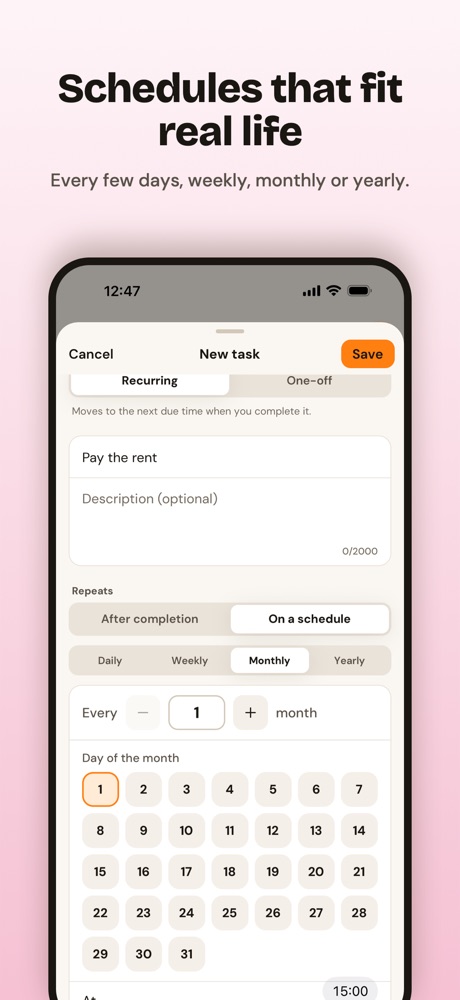
Daily, weekly, monthly or yearly, at the time you choose. It stays on schedule whether you finished the last one early or late.
Everything else. Do it once and it goes to the Archive, so your list only shows what still needs doing.
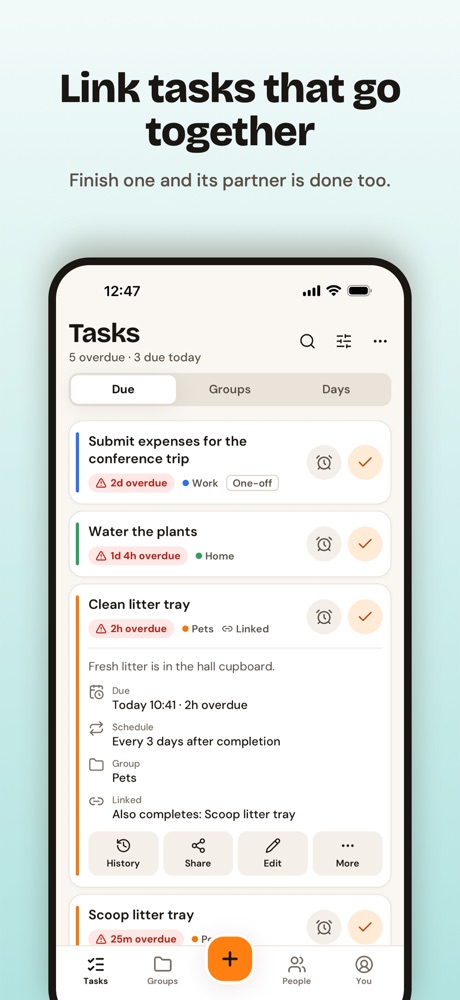
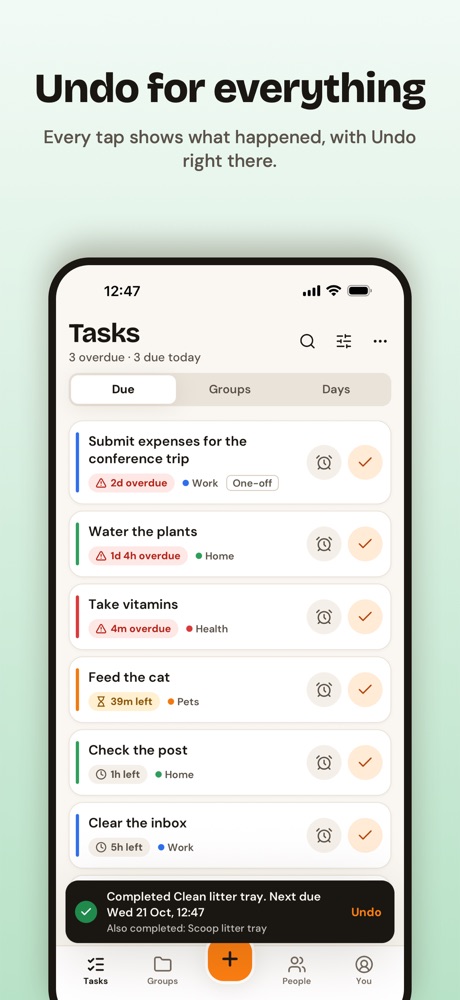
Cleaning the litter tray also means scooping it? Link the two, and finishing one completes the other. TaskAnt tells you what else it ticked off, and Undo puts them all back together.
Make a note optional or required when a task is completed, to record a blood pressure reading, how much water someone drank, or how many calls were made. It all goes into the task's history.
A fresh design in light and dark, with six accent colours and a card size to suit you.
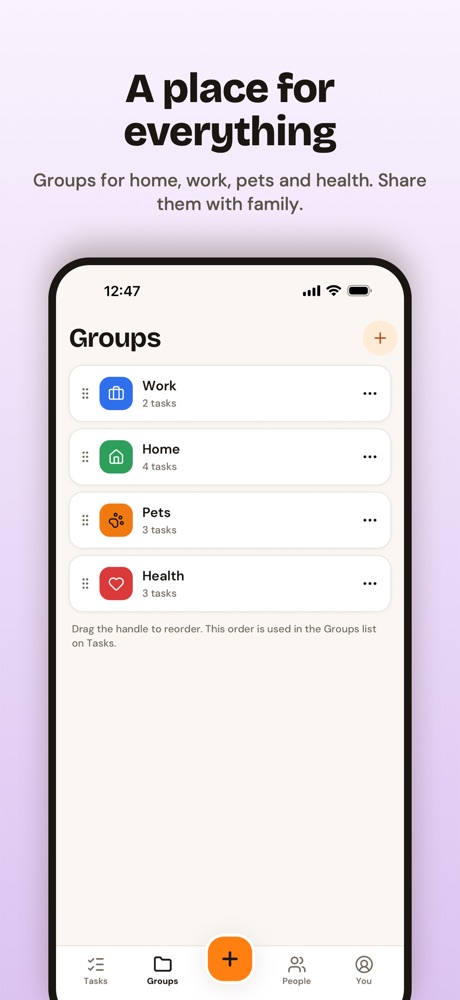
TaskAnt is built around jobs that repeat, so you can stop relying on memory and trust the app instead.
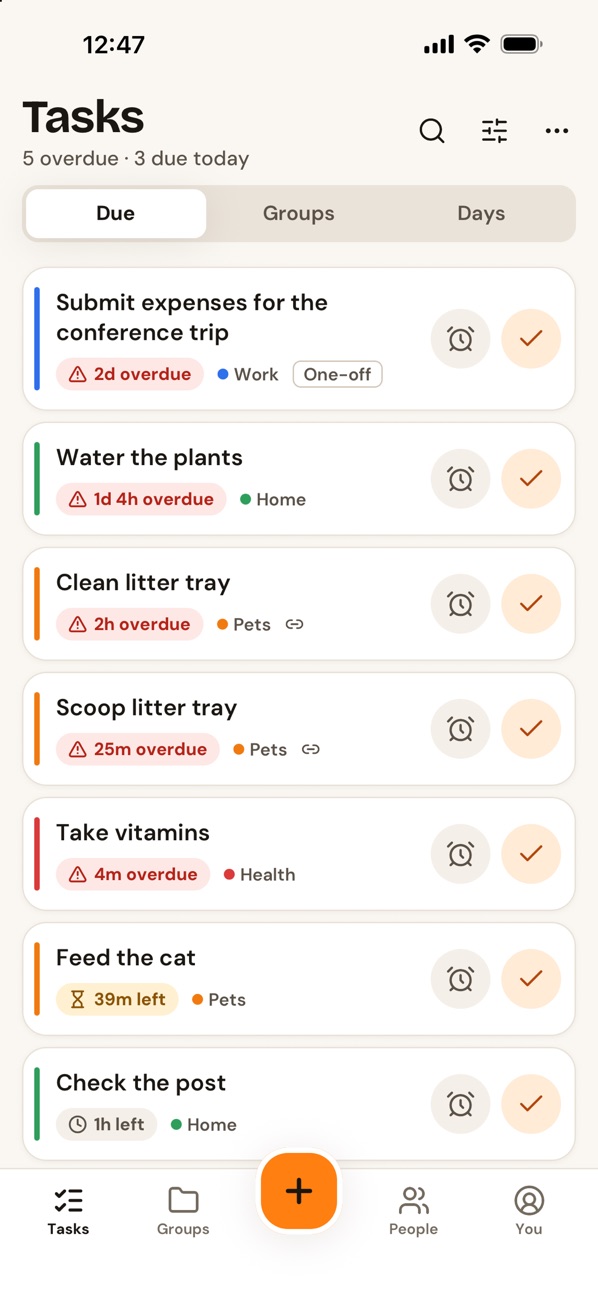
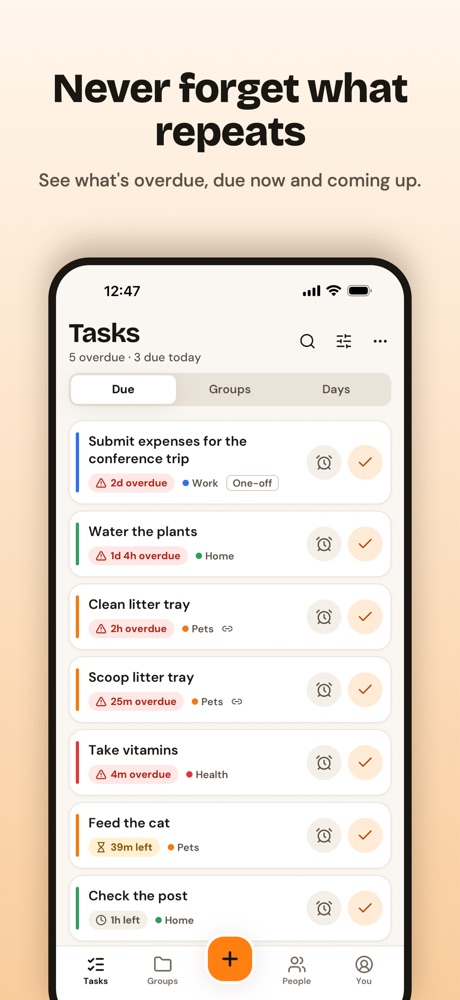
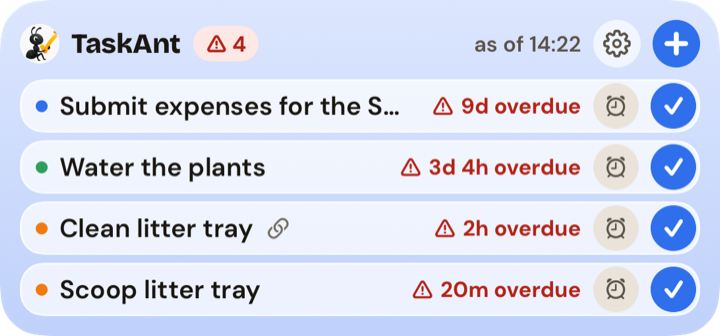
Overdue, due now and coming up at a glance, with exactly how overdue each task is. Switch between Due, Groups and Days, or search and filter. Paused tasks wait quietly until you need them.
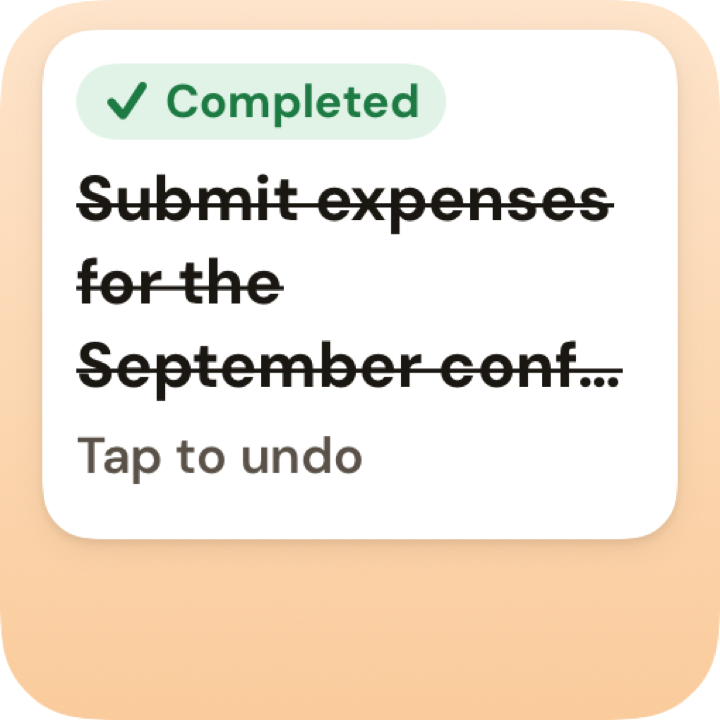
Completed the wrong thing? Snoozed too far? Every action shows what happened, with Undo right there. Nothing fails silently.
Connect with a simple code, then share a single task or a whole group with view or edit rights. Assign a task to one person or to everyone. Changes appear instantly on everyone's phones.
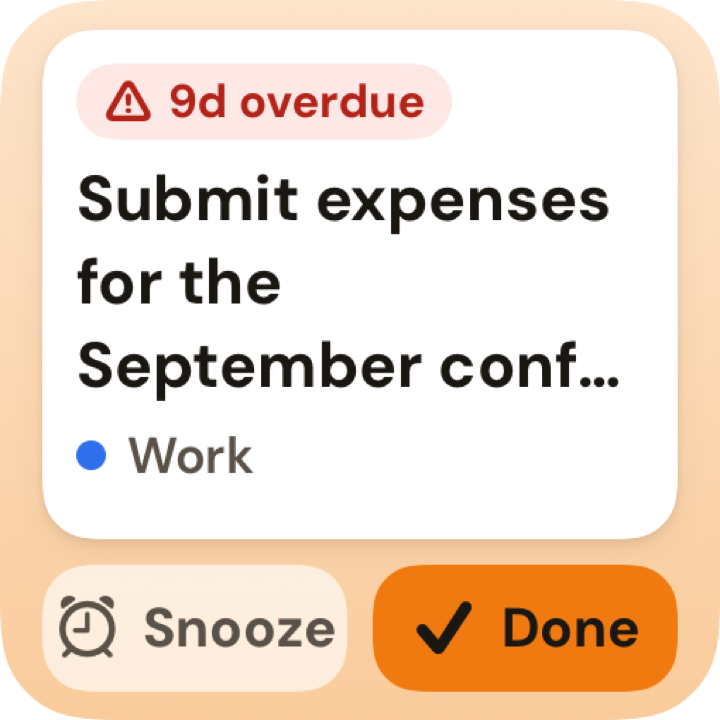
Notifications when tasks are due, with Complete and Snooze right in the notification. The app icon badge shows how many tasks are overdue, and you can sync with Apple Reminders too.
Keep home, work, pets and health tidy in their own groups. Share a group and everything in it is shared, including tasks you add later.
A full completion history with notes, plus today, this week, streak and on-time stats. See who completed what, and when.
Tick things off on the Underground or in a field. Everything saves straight away and syncs when you're back online.
Light or dark, six accent colours, compact, comfortable or spacious cards, and tick or swipe to complete. Your choices follow you to every device.
Sign in with Apple, Google or email. Export and import your tasks whenever you like, and delete your account from inside the app. No ads, and nothing sold.
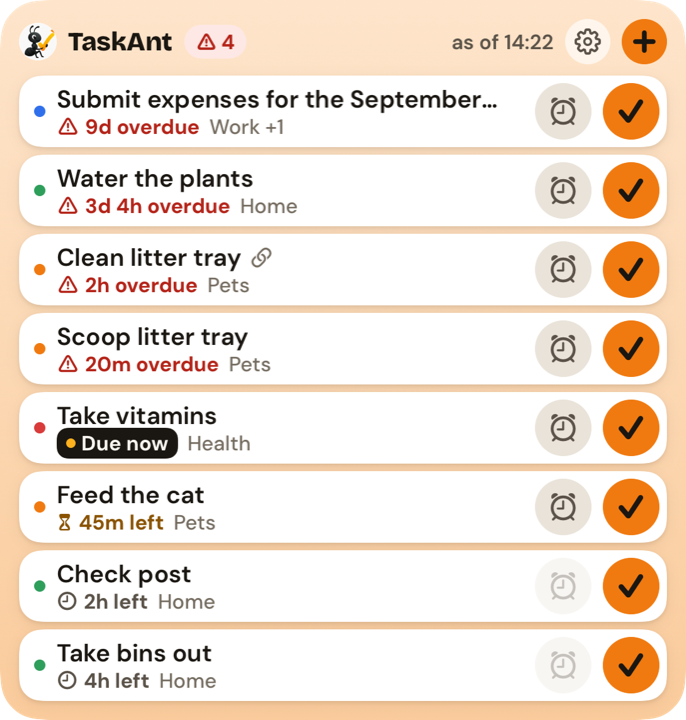
Routines, health, bills and life admin in one trusted place. Great if you'd rather not keep it all in your head.
Share the load fairly. Assign jobs, see when they're done, and stop asking "did you feed the cat?"
Share a whole group with the family. Everyone sees the same list, and changes appear on every phone straight away.
Feeding, medication and check-ins on reliable schedules, with notes to record what happened each time.
Put the bins out every Thursday
Change the bedsheets every 2 weeks
Clean the kitchen every evening
Empty the dehumidifier every day
Take my tablets every morning
Take the inhaler every 12 hours
Give the children their vitamins
Call Nan every Sunday afternoon
Refill the cat's water fountain every 2 days
Flea treatment for the dog once a month
Check the tyre pressures every month
Descale the coffee machine
Book the dentist for next Tuesday
Buy a birthday present before Friday
Pick up the prescription
Call the plumber tomorrow morning
A fresh new look and lots of fixes. Your tasks, groups and connections carry straight over.
Yes. TaskAnt is free to download and use on iPhone, with no ads.
A fixed schedule repeats on set days, such as every Thursday or the 1st of each month, however early or late you did the last one. "After I last did it" restarts the countdown each time you tick the task off: water the plants on Monday and a 3-day task comes back on Thursday.
Yes. Connect with someone using a simple code, then share a single task or a whole group. Each person gets view or edit rights, and anyone a task is shared with can complete it. You can assign a task to one person or to everyone, and changes appear on everyone's phones straight away.
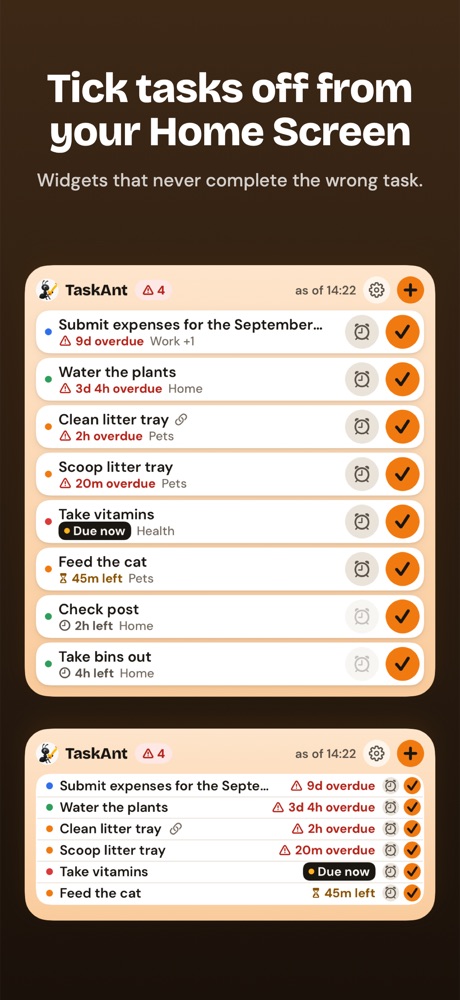
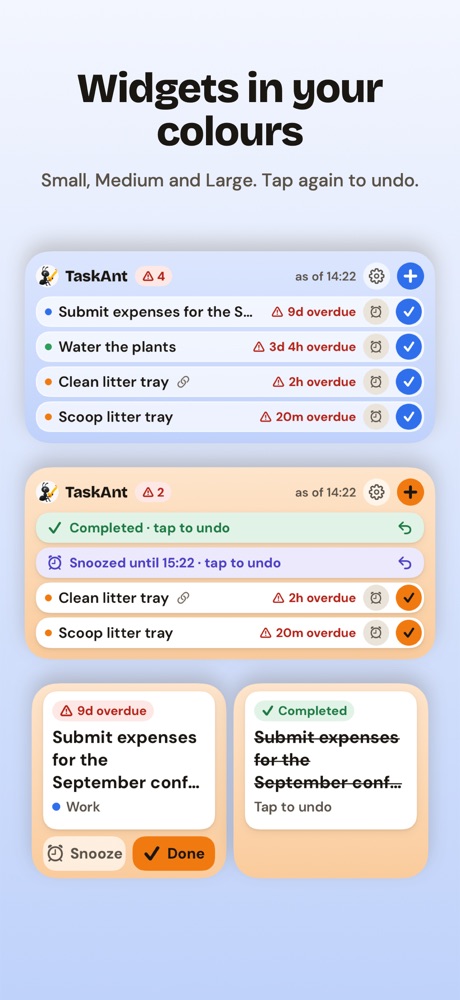
Yes. Tick tasks off from Small, Medium and Large Home Screen widgets, or use Complete and Snooze in the notification. Next time you open the app, "While you were away" shows what you did, with Undo.
Yes. You can choose to sync your tasks with Apple Reminders as well as getting TaskAnt's own notifications.
Yes. Notes can be optional or required when a task is completed, so you can record things like a blood pressure reading or how many glasses of water someone drank. Every completion is kept in the task's history.
Yes. TaskAnt 3.0 is a free update to the same app. Your tasks, groups, history and connections are all still there when you update.
Yes. Everything you do is saved on your phone straight away and syncs when you're back online.
Not yet. TaskAnt is on iPhone now, and Android and web versions are on the way.
Yes. TaskAnt doesn't show ads or sell your data. You can export your tasks at any time, and delete your account from inside the app. See our Privacy Policy for details.
Download TaskAnt and stop forgetting the things that matter. Android and web are on the way.